Download Oracle
The CLI and the desktop app are public. No wallet or NFT is needed to download or run either one.
Install the CLI
One line on macOS, Linux or Windows. The installer checks for Node.js 20.19 or newer and tells you how to get it.
The curl installer puts @oracle-agent/oracle from npm into ~/.local, no sudo. PowerShell installs the desktop app and the CLI.
Then
Connect a model, open the chat, and check providers before you trade.
oracle --version
oracle setup model
oracle
oracle doctor
To upgrade, run the install command again or npm i -g @oracle-agent/oracle@latest.
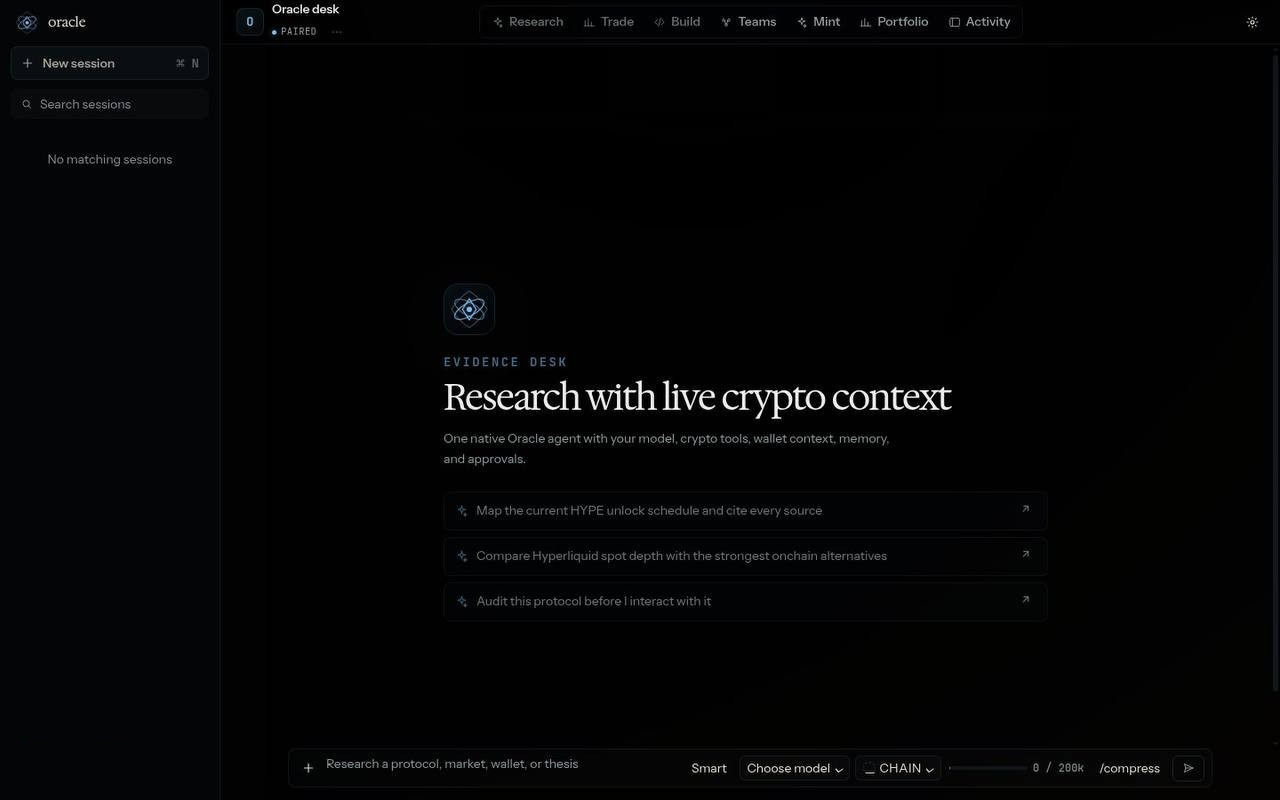
Oracle Desktop App beta
Oracle as a native app. Linux 0.4.34 · macOS 0.4.34 · Windows 0.4.34. All three bundle the Oracle 0.35.62 runtime.
The Windows installer is unsigned and may show a SmartScreen warning.
Verify a download
Compare the SHA-256 of the file you downloaded with the published list. SHA256SUMS.txt
| Platform | File |
|---|---|
| macOS, Apple silicon | Oracle-0.4.34-arm64.dmg |
| Windows | Oracle-Setup-0.4.34.exe |
| Linux | Oracle-0.4.34.AppImage |
shasum -a 256 Oracle-0.4.34-arm64.dmg